7 best Session Buddy alternatives for Chrome in 2026 (Ranked)

- Session Buddy (and OneTab) store sessions in local browser storage - a single crash or bad update can wipe hundreds of saved tabs.
- Cloud-backed session managers protect against the exact data loss that pure local-storage tools can't.
- If you work in a team, Toby's visual card boards are built for sharing tab collections.
- Migrating is a 3-step JSON export/import - most modern tools accept a Session Buddy backup file directly.
- Chrome's native 'Reopen closed window' only remembers your immediate past session - it's not a real archive.
Keep reading for the full walkthrough.
The Session Buddy Dilemma: Why Power Users Are Switching
For over a decade, Session Buddy was the undisputed king of Chrome tab session management. You open 40 tabs for a research project, click one button, and save the entire window state for later.
However, recent browser architecture changes (including Manifest V3 migrations) and persistent reports of lost session history have highlighted a major architectural flaw: fragile local storage.
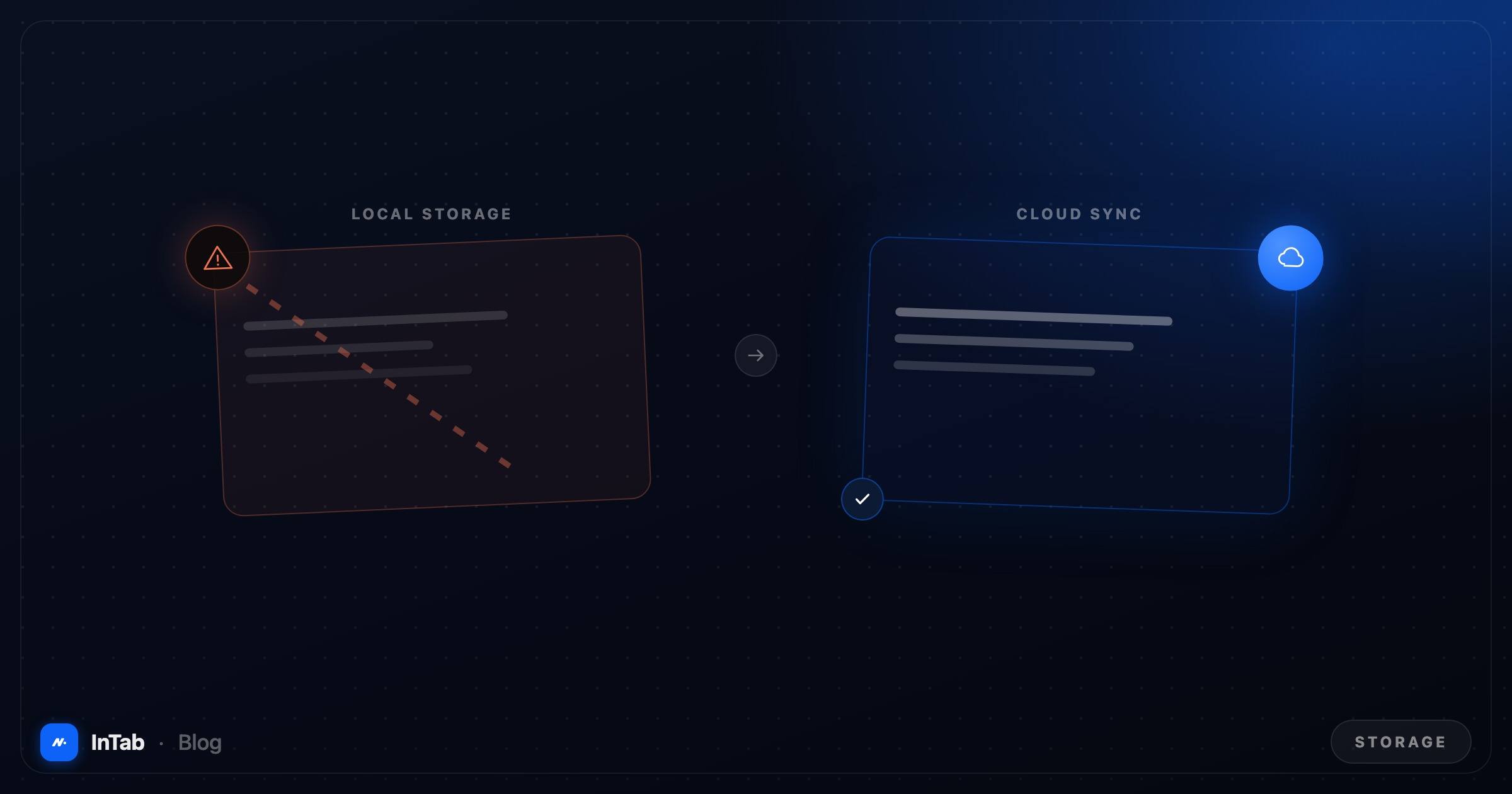 Local storage vs cloud double-buffer storage: why traditional extensions lose tabs during browser updates.
Because Session Buddy historically stores saved sessions in your browser’s local IndexedDB, your entire tab history sits on a single thread. If your browser profile gets corrupted, if Chrome crashes mid-write, or if an extension auto-update fails, years of saved sessions can vanish in an instant.
If you have experienced data loss or simply want a more modern, cloud-backed session manager, here are the 7 best Session Buddy alternatives for Chrome, tested and ranked for data safety, speed, and workflow features.
Comparison at a Glance
 Feature breakdown: Cloud sync, tab suspension, and free tier allowances across top session managers.
| Alternative | Best For | Storage Architecture | Cloud Sync | Free Tier |
|---|---|---|---|---|
| InTab | All-in-one workspace + cloud session safety | Cloud sync + local cache | Included (Free) | Fully generous |
| OneTab | Quick memory reduction list | Local browser memory | No | Free |
| Toby | Team tab collections & visual bookmarks | Cloud account based | Included | Freemium |
| Workona | Enterprise workspace management | Cloud account based | Included | Limited free tier |
| Tablerone | Research tab notes & screenshots | Local storage | Manual export | Free |
| Tabby | Automatic tab suspension & auto-save | Local storage | No | Free |
| Chrome Native | Built-in window restore & tab groups | Chrome profile sync | Google Account | Built-in |
1. InTab: Session Safety Meets an All-in-One Workspace
Full disclosure: InTab is built by our team, so we encourage you to test it yourself. We designed it specifically to address the vulnerabilities of older tab extensions.
 InTab dashboard showing saved multi-window sessions with real-time cloud sync.
Why it replaces Session Buddy
Where Session Buddy treats session management as an isolated text list, InTab integrates session saving directly into your daily workflow.
- Automatic Cloud Backup: Every session saved in InTab is instantly backed up to encrypted cloud storage. If your computer crashes or Chrome updates, your sessions remain safely accessible from any device.
- AI Tab Auto-Grouping (Pro/Max): InTab can automatically cluster 50+ open tabs by context (e.g., “React Documentation”, “Flight Bookings”, “Financial Research”) into neat, labeled groups before you save them.
- Zero Extension Bloat: Instead of installing separate extensions for session management, new tab dashboards, bookmark managers, and screenshot tools, InTab combines all 8 tools into a single lightweight footprint.
Drawbacks
- If you only want a plain, unstyled text list with zero visual interface, InTab offers more power than a minimalist text file.
2. OneTab: The Minimalist Memory Saver
OneTab is one of the oldest and most widely used tab management extensions on the Chrome Web Store.
 OneTab interface converting active browser tabs into a simple list.
What is good about OneTab
- Instant Memory Reduction: Clicking the OneTab icon instantly closes all open tabs in your active window and converts them into a single list of hyperlinked URLs, cutting Chrome memory usage immediately.
- Simplicity: There are no complex settings or accounts required to start saving tabs.
Where it falls short
- Fragile Local Storage: Like Session Buddy, OneTab stores your tab lists in local browser storage. Clearing browser data or an unexpected extension reset can wipe your entire list forever.
- No Search or Categorization: Finding a specific tab inside a list of 500 saved URLs requires using browser find (
Cmd+F/Ctrl+F).
3. Toby for Chrome: Visual Tab Collections for Teams
Toby reimagines session saving by turning tabs into visual cards organized into kanban-style boards.
What is good about Toby
- Visual Card Layout: Every saved tab displays its favicon and page title inside organized organization cards, making it easy to spot visual research.
- Team Sharing: Toby allows you to share session collections with team members, making it popular for design and marketing agencies.
- Cloud Sync: Sessions sync across devices when logged into a Toby account.
Where it falls short
- Performance Heavy: Loading dozens of rich visual cards on every new tab can introduce noticeable latency compared to lighter alternatives.
- Freemium Limits: Advanced organization features and larger team workspaces require a paid subscription.
4. Workona: Enterprise Workspace & Project Management
Workona is built for professionals who manage complex, multi-project workflows across dozens of web apps.
What is good about Workona
- Context-Switching Workspaces: Workona isolates tabs by project. Switching from “Marketing Campaign” to “Q3 Accounting” swaps your open tab set completely.
- Cloud Integration: Syncs seamlessly with Google Drive, Docs, and Asana.
Where it falls short
- Steep Learning Curve: Workona changes how your browser operates, which can feel overwhelming if you simply want a quick way to save and restore window sessions.
- Restrictive Free Tier: The free plan limits you to 5 active workspaces before requiring a monthly subscription.
5. Tablerone: Research Notes & Tab Captures
Tablerone combines session saving with web research, allowing you to capture screenshots and notes alongside saved URLs.
What is good about Tablerone
- Automatic Screenshots: When saving a session, Tablerone captures thumbnail screenshots of your open pages.
- Export Options: Export tab lists cleanly into Markdown, Speed Dial, or plain text for documentation.
Where it falls short
- Local Storage Dependence: Lacks automatic real-time cloud sync out of the box.
- New Tab Override: Forces its own dashboard layout on your new tab page.
6. Tabby: Simple Auto-Suspension & Session Management
Tabby focuses on background automation to keep Chrome fast while saving session history.
What is good about Tabby
- Automated Tab Deactivation: Automatically discards inactive tabs after a customizable period of inactivity to free up RAM.
- Clean History Log: Keeps a running record of recently closed tab windows.
Where it falls short
- Limited advanced search and organization features compared to dedicated session suites like InTab.
7. Chrome Native Tab Groups & Session Restore
Before installing a third-party extension, it is worth mastering Chrome’s built-in session tools.
What is good about native Chrome
- Zero Overhead: Built directly into Chrome with no extra memory footprint or security permission risks.
- Reopen Closed Window: Pressing
Cmd+Shift+T(Mac) orCtrl+Shift+T(Windows) restores your last closed window and all its open tabs. - Saved Tab Groups: Right-click any tab, create a labeled Tab Group, and toggle “Save Group” to sync it across your Google account devices.
Where it falls short
- No Historical Archives: Reopen Closed Window only remembers your immediate past session. If Chrome crashes twice, your original 30-tab session is lost.
Technical Deep Dive: Local Storage vs. Cloud Session Sync
Why do traditional session managers lose data during browser updates?
TRADITIONAL LOCAL STORAGE (Fragile)
┌──────────────────────────────────────────────────────────┐
│ Chrome Browser Profile                                   │
│ └── IndexedDB / LocalStorage (Single File on Disk)        │
│     └── [Session Buddy Data] ◄── Wiped on Crash/Update  │
└──────────────────────────────────────────────────────────┘

MODERN CLOUD-SYNC ARCHITECTURE (Resilient)
┌──────────────────────────────────────────────────────────┐
│ InTab Local Cache ◄─── Instant Real-time Sync ───► Cloud │
│ (Browser Memory)                                   (D1)  │
└──────────────────────────────────────────────────────────┘
When an extension relies purely on local chrome.storage.local or IndexedDB:
- Single Point of Failure: Data lives inside a single sqlite/leveldb file in your OS user directory.
- Ungraceful Shutdowns: Operating system restarts or browser force-closes during a disk write operation corrupt the index file.
- Extension Updates: Major Manifest V3 schema migrations can orphan legacy session keys if the update script encounters an unexpected edge case.
InTab solves this by writing session snapshots to local storage instantly for zero-latency retrieval, then syncing them to your account in the cloud the moment you’re signed in - free tier included.
How to Export & Migrate from Session Buddy to InTab
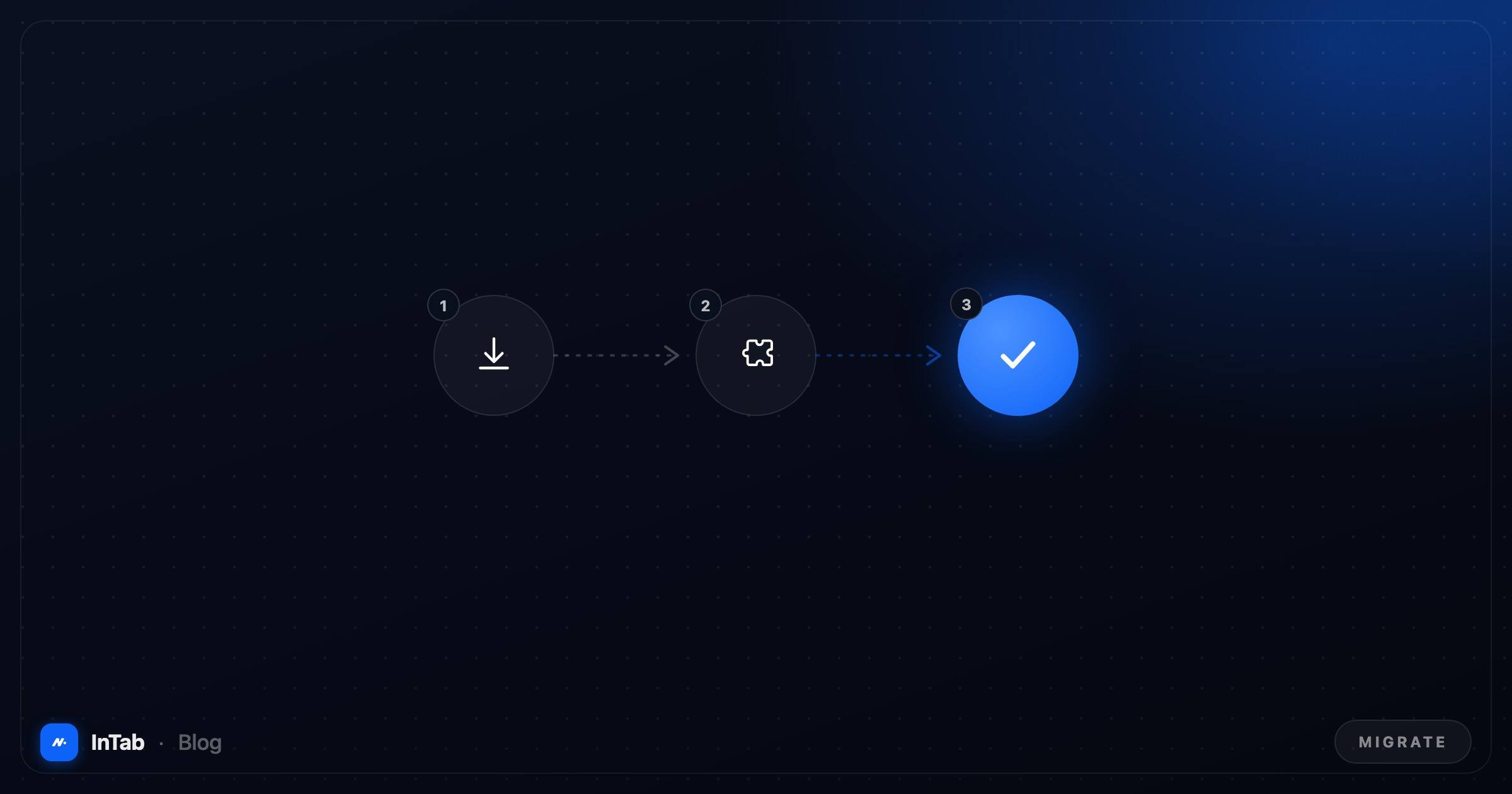 3-step migration: Exporting JSON session backup from Session Buddy and importing into InTab.
If you currently use Session Buddy and want to secure your data, follow these 3 steps to migrate your saved sessions:
Export from Session Buddy:
- Open Session Buddy.
- Click the Settings (gear icon) in the top right.
- Select Back up or Export.
- Choose JSON format or Text format and download your session file to your computer.
Install InTab:
- Add InTab from the Chrome Web Store.
Import Your Sessions:
- Open InTab and navigate to Sessions & Tabs.
- Click Import Sessions and select your Session Buddy JSON/Text file.
- Your historical sessions will populate instantly and back up to your secure cloud space.
Summary & Recommendation
- If your priority is zero data loss risk, automatic cloud backups, fast tab organization, and an integrated daily dashboard, install InTab.
- If you want a quick, no-nonsense memory dump list, use OneTab.
- If you work in a team and need shared visual link boards, try Toby.
By choosing a session manager with automatic cloud sync, you can keep hundreds of tabs organized without ever worrying about browser updates wiping your work again.
Frequently asked questions
Why did Session Buddy lose all my saved tabs?
Session Buddy historically stores session data inside your local browser storage (IndexedDB). If Chrome crashes, updates ungracefully, or an extension update resets extension storage, local data can get corrupted or wiped unless you manually exported a backup beforehand.
What is the best free alternative to Session Buddy?
InTab is a strong free alternative to Session Buddy because it automatically backs up your saved tab sessions to secure Cloud storage, eliminating the risk of data loss during browser updates. It also includes an integrated new tab dashboard, bookmark folders, and AI tab auto-grouping on Pro.
Is Session Buddy still safe to use?
Session Buddy remains a popular extension, but relying strictly on local browser storage without automatic cloud backups leaves your sessions vulnerable to unexpected browser crashes or extension data wipes.
Can I export my sessions from Session Buddy to another extension?
Yes. Session Buddy allows you to export your saved sessions as JSON or text format. You can copy this data and import your tab collections directly into modern session managers like InTab or Toby.
Do tab session managers slow down Chrome?
Lightweight session managers like InTab load fast and keep idle tabs suspended in memory. Heavy, unoptimized extensions or tools that force dozens of live background processes are the ones that cause browser lag.